About Clock Bandit
Take a break.
Your paycheck won't.
A paycheck timer that shows, in real time, how much of your hourly wage you're earning while you take a break.
What is it?
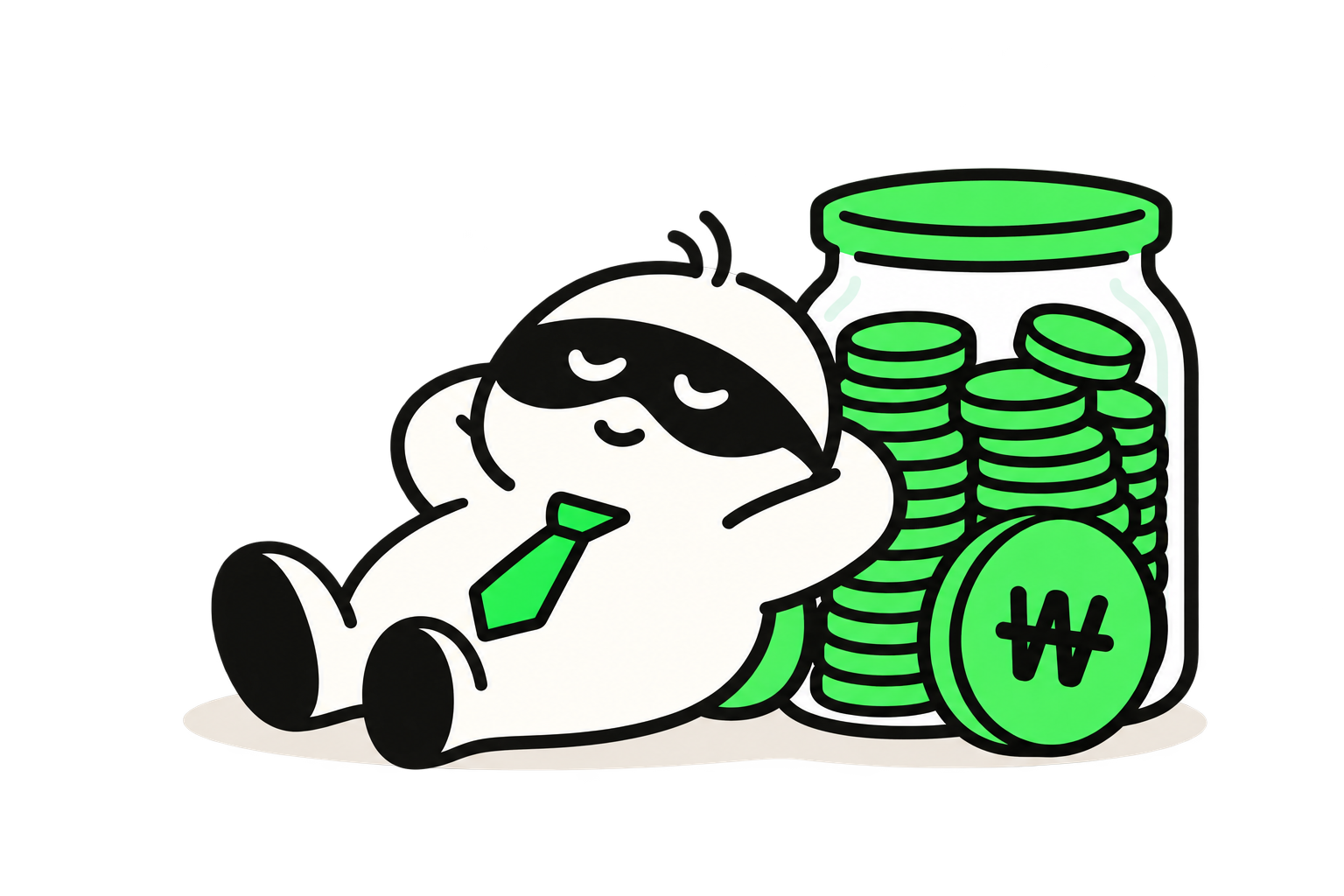
A coffee run, a bathroom break, a quick stretch: even the short moments when you're not working are part of what you get paid for. Clock Bandit turns that time into dollars and, as your daily total grows, drops rewards like coffee, noodles, and fried chicken into your loot bag.
No sign-up or login needed. Your hourly wage and history are saved only in the browser you're using right now.
How to use it
- Enter your wageType in your hourly wage in dollars. It stays saved for your next visit in the same browser.
- Start the heistTap it when your break begins. The amount and elapsed time tick up every second.
- Back to workTap it when you get back to work. The heist ends and gets added to today's total.
- Check your heist logThe calendar shows your break time and earnings for each day, plus monthly totals.
How earnings are calculated
At $15 an hour, you earn about 0.42¢ every second.
These numbers are just for fun. They don't account for taxes, benefits, overtime, or other deductions, so they won't match your actual pay.
Loot bag
Each time your earnings for the day pass a threshold, a reward goes into your loot bag. It resets every day at midnight in your local time zone.
- Coffee$5
- Noodles$15
- Fried chicken$25
- Dinner out$50
Total loot
These are unlocked by everything you've earned so far. Once you unlock one, it stays in your collection for good.
- Shopping bag$100
- Sneakers$150
- Headphones$350
- Suitcase$1,000
- Laptop$2,500
- Car keys$8,000
- Car$25,000
FAQ
Do I need an account?
Nope. Just open the site, enter your hourly wage, and you're good to go.
Where is my data stored?
Only in your current browser's local storage. Nothing is sent to a server, so your history won't show up on other devices or in other browsers.
What happens to a heist in progress if I close the browser?
The start time is saved, so when you come back, the time that passed in between is counted too.
If my break runs past midnight, which day does it count toward?
It's split at midnight in your local time zone, and each part is recorded on its own day.
Can I change my wage during a heist?
Your wage is locked while the timer is running. If you change it after you stop, the new wage applies starting with your next heist.
I only know my annual salary.
Divide your annual salary by the hours you work in a year (about 2,080 for a 40-hour week) to get a rough hourly wage. For example, a $60,000 salary works out to about $28.85 an hour.
How do I delete my history?
Tap “Delete all records in this browser” at the very bottom of the main screen, or clear this site's data in your browser settings.
Questions · Bug reports
Email digfarmcom@gmail.com or open a GitHub issue.